

Product update April

In April, we made it easier to find your articles and models in the web app, and models now support document uploads.
More powerful table in article lists
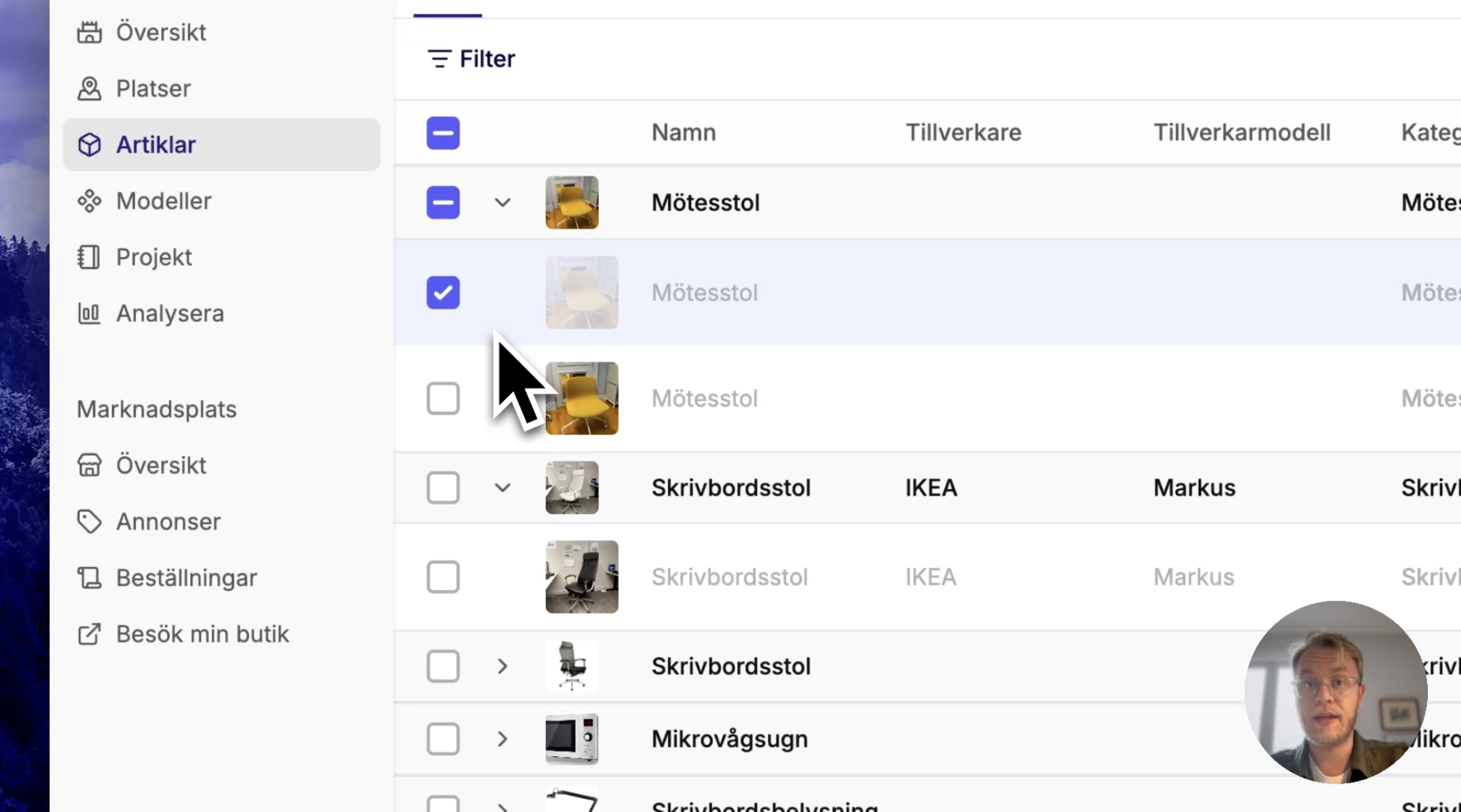
We have rebuilt the article lists, both the main list and those within a location, to make it easier to find your articles. Articles are grouped by model as before, but you can also choose to view each article individually. You can customize which columns you see, including all types of article specifications, and filter by model and article properties.
Like other tables in Palats, you can create your own views with filters, columns, and sorting that suit your workflow.
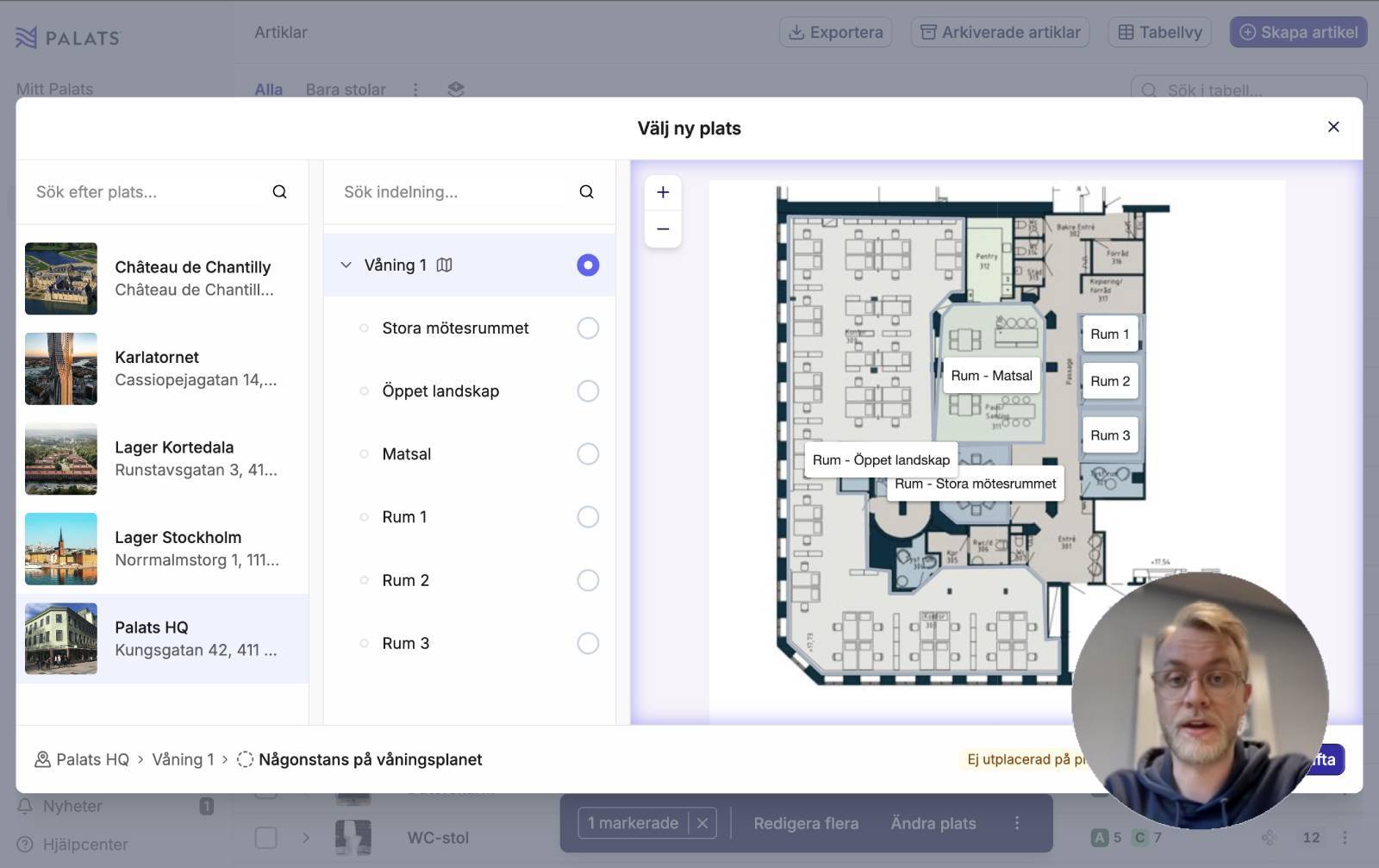
New location page and floor plan view
We also refreshed the appearance when opening a location so that the new article list fits in better. On smaller screens, you can now hide the list of sections to give more space to the content.
When you switch to floor plan view, you now get a full-screen floor plan, making it easier to navigate.
View models as a gallery
To make it easier to browse the model library, you can now switch the layout from list to gallery, just like in the location list. By switching to gallery mode, you get much larger images, making it easier to recognize your models. As in the list view, you can customize which properties are shown for each model and save your own views tailored to your needs, with saved filters for things like category, manufacturer, or model tags.
Model documents
When creating or editing models, you can now upload documents related to the model. This could include, for example, assembly instructions, maintenance guidelines, or product sheets.
The documents are available both in the mobile app and the web app.
Other news
- When creating listings for bulk goods, you can now require that the buyer purchases the entire quantity
- Invitations to a new organization can now be found under “My account” in Palats, in addition to the email inbox